 View Cart
 sales@dataq.com
 330-668-1444
DATAQ Instruments Developer Network
Visual Basic Resources
 |
|
 |
Need Help? Download the ActiveX Help file or post a question to the Developer Support Forum. |
How do I add DATAQ ActiveX controls to my Visual Basic 6.0 project?
Step 1: Either click Project>>Components from the top toolbar (Ctrl+T).
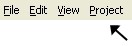
OR Right-click inside the toolbox, and then click Components.
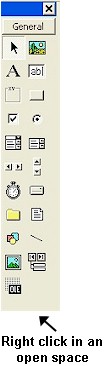
The Components Box will appear.
STEP 2: From the Components Box, put a check mark next to the DATAQ ActiveX Controls you would like to use, and then click "OK"
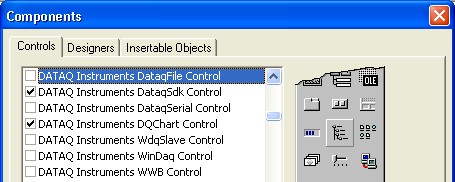
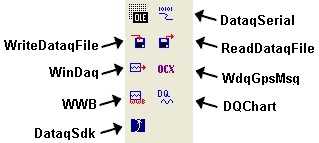
Your DATAQ components will now appear in your toolbox. For information on the function of the individual components, please download our ActiveX Help file.