

 View Cart
 sales@dataq.com
 330-668-1444
 RSS Feeds


Follow these instructions to connect a thermocouple to your miniature connector:
- Unscrew and remove the top of the miniature connector.
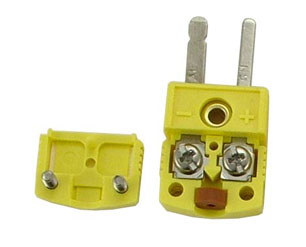
- Remove the rubber washer from the miniature connector and slide it over the tip of the thermocouple wire.
- Partially loosen the inside screws.
- Insert the wires under the appropriate screws and tighten.
- K-Type thermocouples: Yellow to +, Red to –
- J-Type thermocouples: White to +, Red to –
- T-Type thermocouples: Blue to +, Red to –
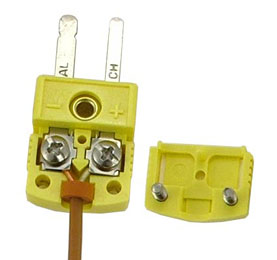
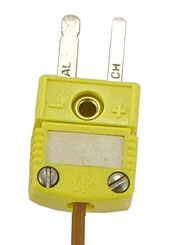
- Place the top back on the miniature connector and tighten the screws.
Follow Us


 Categories:

