 View Cart
 sales@dataq.com
 330-668-1444
EasyLog EL-USB Data Logger Series Overview
Low-cost, compact, battery-operated data loggers
Product Features
- Programmable high and low alarm thresholds.
- All data is recorded to built-in, non-volatile memory (except the EL-USB-RT). EasyLog EL-USB data loggers do not lose readings when the battery is discharged or replaced.
- Automatic time and date stamping of logged data.
- Program the logger to begin recording immediately, or at a specific date and time.
- Bright, multi-color LEDs indicate status and alarm conditions during logging.
- Built-in USB interface for easy setup using any PC.
- Built-in, replaceable lithium battery (provided).
- Intrinsic isolation for voltage and current measurements.
- Removable cover protects the USB interface.
- Removable clip secures the instrument during transport or deployment.
- EasyLog EL-USB application software for data logger setup, data download, and analysis.
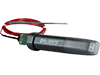
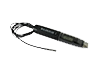
EasyLog model EL-USB series products are a line of low cost, compact, battery-operated data loggers with built-in memory and USB interface. Each product in the line offers a specific measurement function and range (see table).
Products in the Series
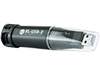
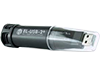
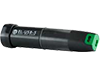
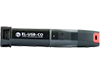
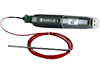
Description
EasyLog EL-USB Products for Any Application
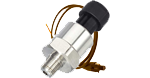
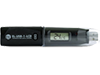
From temperature and humidity to carbon monoxide trending, there's an EasyLog EL-USB data logger that's right for you:

*EL-USB-2+ provides higher accuracy measurements than the EL-USB-2 and the EL-USB-2-LCD.
Easy to Program and Deploy
Getting an EasyLog EL-USB Data Logger product ready to acquire data is simple:
- Remove the protective USB cover.
- Plug the instrument into any convenient USB port.
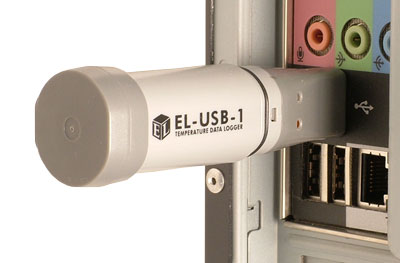
- Program the data logger with the provided EasyLog EL-USB software:
- Give the logger a unique name (convenient when deploying multiple units).
- Select the required sample rate.
- Select high and/or low alarm thresholds.
- Select the specific date and time to begin logging.
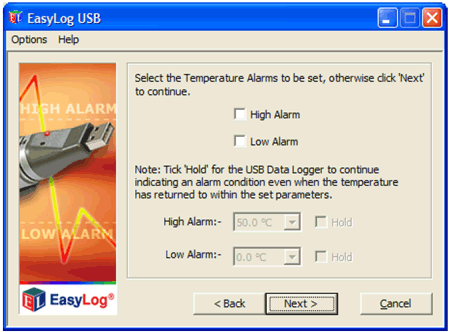
Now remove the data logger from the USB port, replace the USB cover, and deploy the instrument wherever you need it.
Easy to Upload and Analyze Data
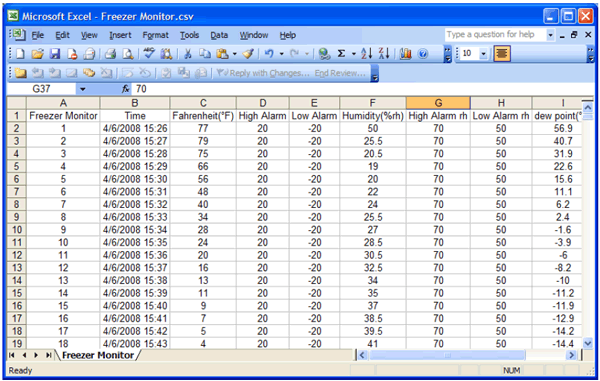
Whether you want to review stored data using the supplied application or using Microsoft Excel, getting meaningful results from recorded data is fast and easy:
- Remove the protective USB cover.
- Plug the instrument back into the PC's USB port.
- Use EasyLog EL-USB software to stop recording, access the instrument's stored data, and save it to a file that you name on the PC, all in one easy operation. The file format is Excel-compatible.
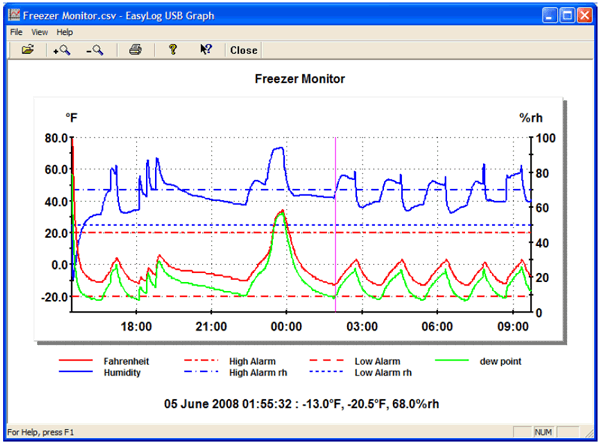
- Immediately EasyLog's EL-USB Graph utility is enabled to display all the stored data in one compressed view.
- A cursor allows you to determine signal magnitude and time and date of acquisition for any value, and a magnifier utility allows you to zoom in for a closer look over any range — Easy and fast.
- For more custom analysis and report generation, simply import the stored data file to Microsoft Excel for virtually unlimited flexibility in how you view and interpret your results.