

 View Cart
 sales@dataq.com
 330-668-1444
 RSS Feeds


We’ve noticed an uptick in the number of customers reporting that the batteries included with their EL-USB series data loggers are ‘dead on arrival’.
The battery included with most EL-USB series loggers is a 3.6V (½AA cell) lithium metal battery.
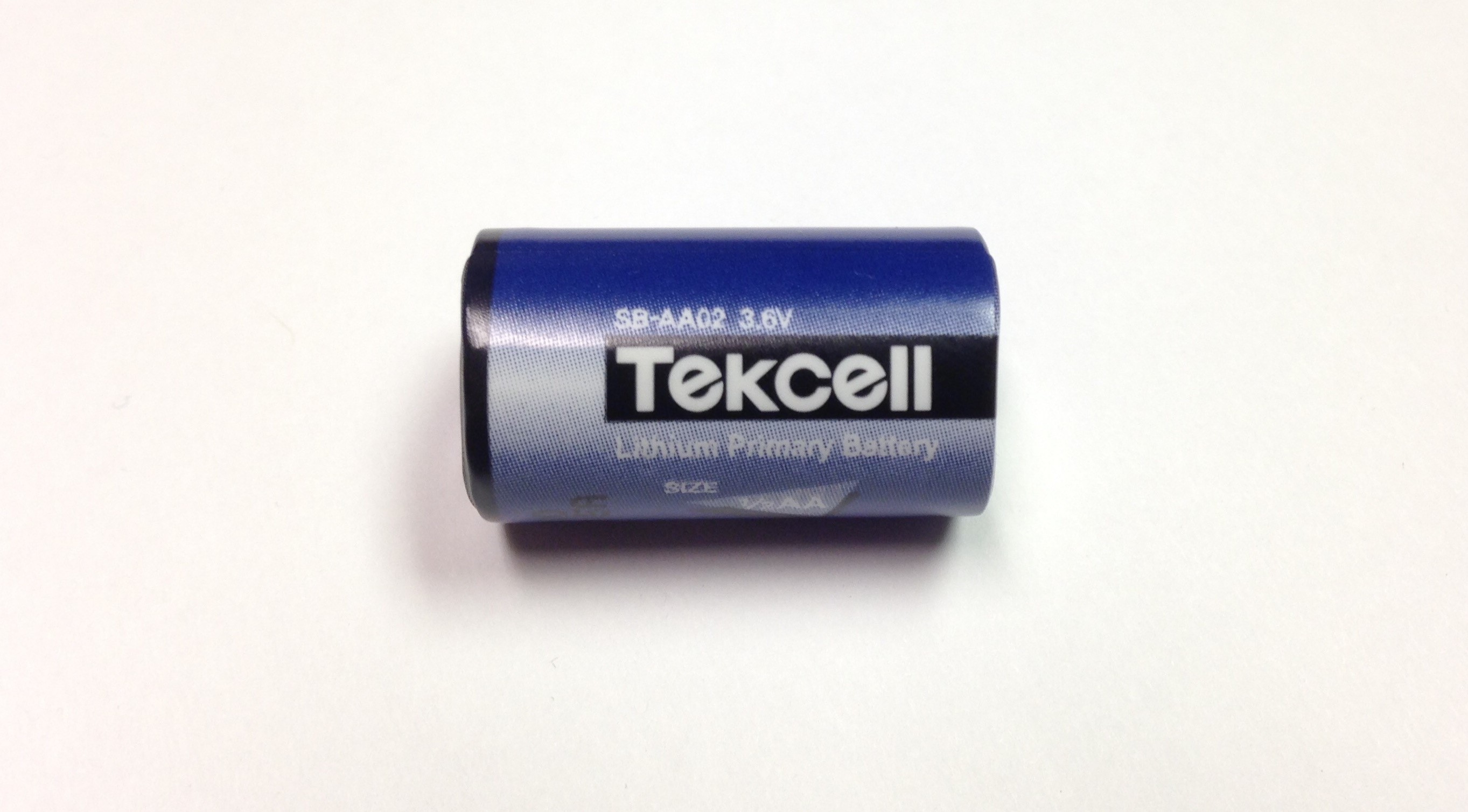
The problem can occur when a battery is unused for extended periods of time, like during extended transit times from the manufacturer to the end user for a new battery, or left unused at a customer site. In this situation, Lithium batteries can form a non-conductive internal layer; also known as a “passivation” layer. This is technically a feature of the battery that prevents self-discharge, allowing for longer shelf life. An unfortunate side effect, is a drop in voltage when the battery is initially placed in your EL-USB series logger. The voltage drop can easily be mistaken for a dead battery.
You can remove the passivation layer in one of two ways. The first is to place the battery in your EL-USB series data logger and leave the logger connected to a PC for approximately 30 seconds. After 30 seconds has passed, remove and re-install the battery, resetting the data logger. The overall battery life is not affected.
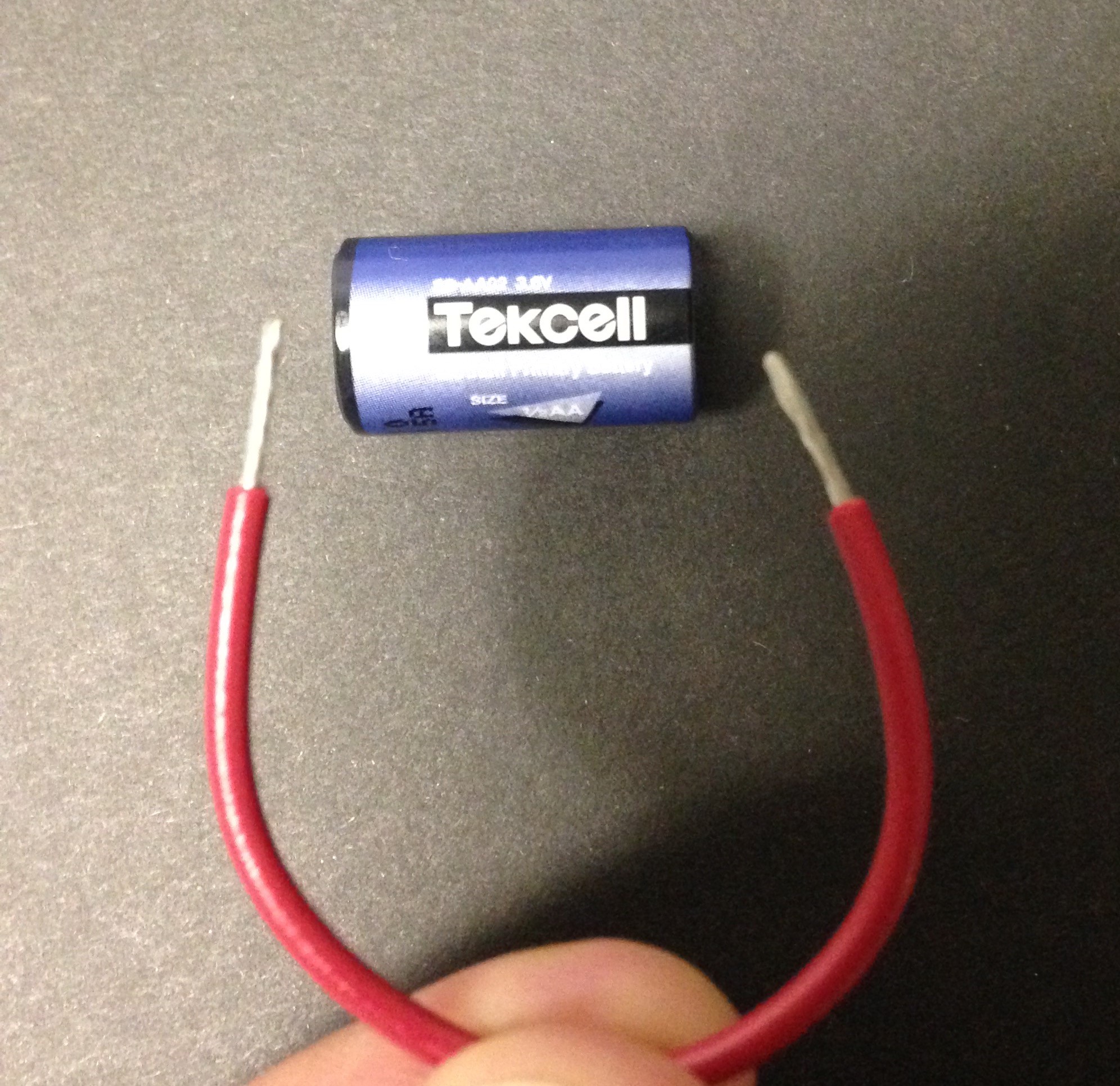
A second, more immediate method is to momentarily short the battery, positive to negative. This can be done using a wire, or even a paper clip. It only takes a second to clear the passivation layer.
Follow Us


 Categories:
  Tags:
Tags: 


3 Comments
Mary Holleback
What’s the shelf-life of the batteries? Can they be replaced with other lithium metal batteries?
DaqGuy
I don’t know for sure, but very, very long. The skinning over feature described in this post is an inconvenience, but it’s also the battery feature that gives it such a long life.
Hillary
I tired both these methods and the batteries still do not appear to work. What are my other options?
Thanks