

 View Cart
 sales@dataq.com
 330-668-1444
Graphtec to WinDaq High Resolution (GBD - to - WDH) File Conversion Utility (beta version)
FREE Download
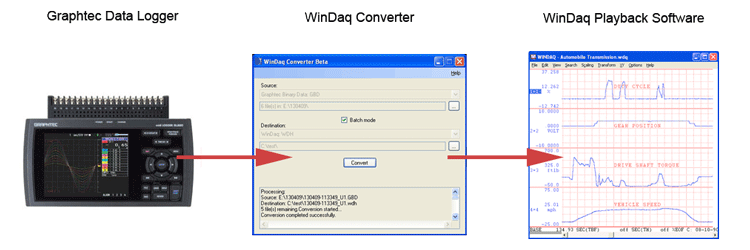
The WinDaq Converter utility program creates a WDH (WinDaq High Resolution) file from a GBD file (created using either the GL240 or the GL840) allowing you to use WinDaq Waveform Browser Playback Software to analyze the recorded data.
Read the Blog Post Convert GBD Files to WDH Format to learn more.
Please Note: The WinDaq Converter Utility does NOT support WinDaq/Pro+ files where the channels are sampled at different rates.
Please Note: This utility requires Microsoft .NET. If the utility does not work you may need to install or re-install the .Net framework.